Guide · 8 min read
How much does it really cost to 3D print? Full breakdown for 2026
Reviewed September 5, 2026 (UTC) · Methodology and sources
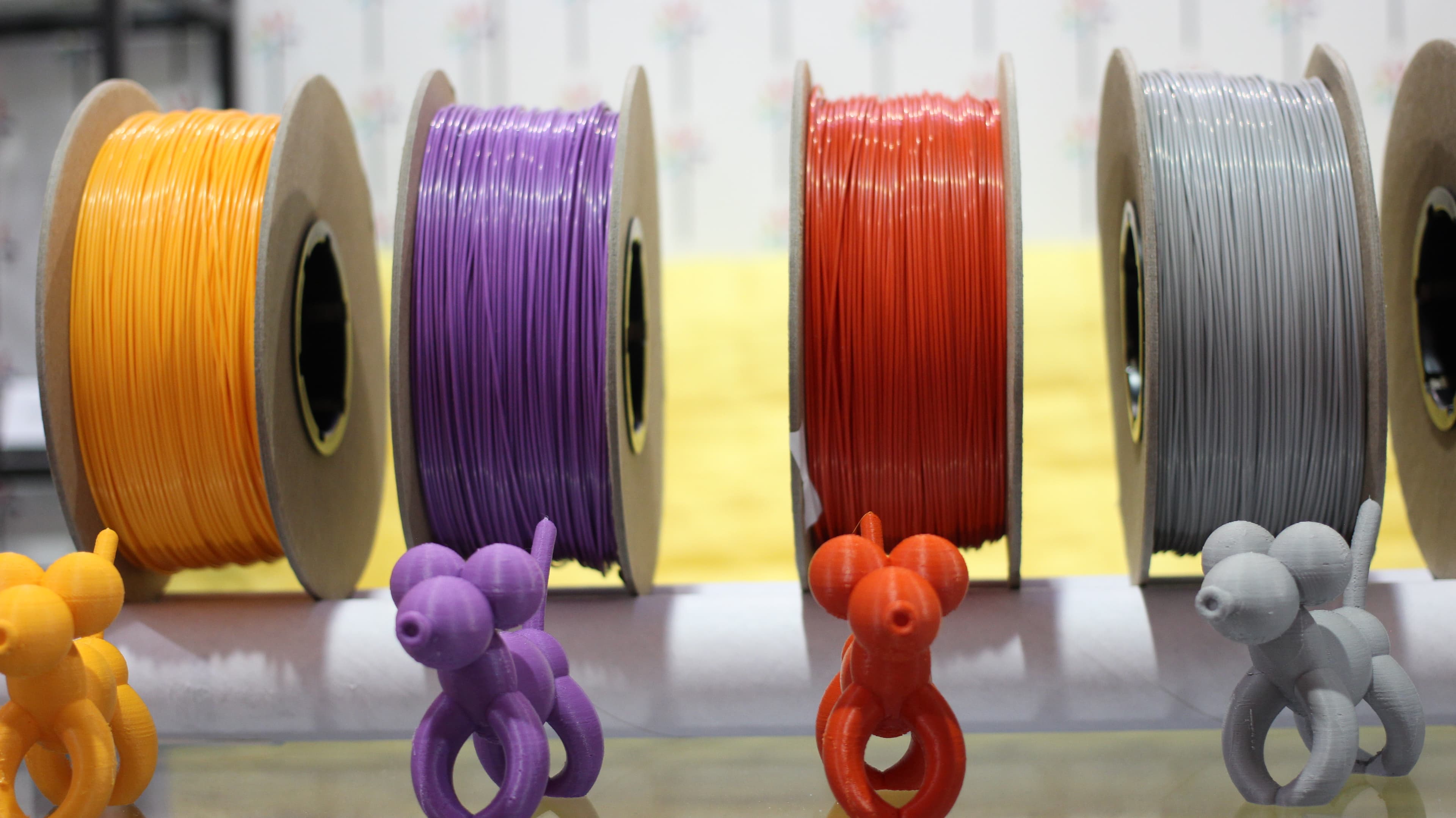
A slicer's filament cost is a useful start, but it does not cover every cost of a finished print. Material, electricity, failed attempts, machine wear and hands-on time answer different parts of the question.
All prices, power figures, failure rates and printer lifetimes below are illustrative assumptions, not current product quotes or measured industry averages. Replace them with your purchase records, utility rate and printing history. Calculations were reviewed September 5, 2026 UTC (September 4 Pacific).
The five costs that matter
- Filament
- Electricity
- Failure waste (prints that don't complete)
- Printer wear and amortization
- Your time
1. Filament
Convert the spool price to a cost per kilogram, then multiply by the grams consumed divided by 1,000. Add a waste allowance only for material missing from the input. Final slicer totals may already include supports, brims, flushing and other structures.
cost = (grams / 1000) × price_per_kg × (1 + waste_factor)
Example: a 20 g model at $20/kg, with an assumed additional 5% of material not already counted, costs $0.42. A 300 g model under the same assumptions costs $6.30. These weights are examples, not promises for a particular downloaded model. The Filament Cost Calculator handles this across the main material types.
For multi-color prints, use the actual sliced flushing and tower totals instead of a fixed grams-per-swap assumption. The AMS cost guide explains the categories and how to avoid counting redirected flushing twice.
2. Electricity
Electricity cost is average watts ÷ 1,000 × hours × your price per kWh. For example, a measured average of 115 W for 12 hours at an assumed $0.18/kWh gives 1.38 kWh and $0.2484, or about $0.25. This is an example, not a named printer benchmark or a national-average rate.
Use measured average power for a representative job; a power-supply rating is not the draw throughout a print. The Electricity Cost Calculator lets you substitute your own wattage, duration and utility rate.
3. Failed attempts
Record successful and failed attempts instead of assuming a universal failure rate. A failure consumes some filament, electricity and machine time; an early failure usually costs less than one near completion.
The pricing calculator divides material + electricity + machine wear by (1 − failure rate). This assumes each failed attempt costs a complete print's production cost. At 10% failures, that is division by 0.9, or about 11.1% extra production cost per success. Labor is added separately. If failures happen early, use your actual lost material and time to refine the estimate. The Failure Rate Calculator tracks your observed rate and estimates discarded material from your average grams actually consumed by a failed attempt.
4. Machine cost
Allocating the purchase price across useful printing hours helps you include eventual replacement in a selling price. It is an accounting assumption for your own setup, not a prediction of when a printer will fail.
Example: an assumed $700 printer spread over 2,000 useful hours gives $0.35/hour, or $2.80 for an eight-hour print. These inputs deliberately differ from the calculator's editable example defaults; neither is a universal lifetime. This purchase-price allocation does not automatically pay for replacement nozzles, plates or repairs, so budget those separately where relevant without charging the same item twice.
5. Your time (the cost people really miss)
Record hands-on preparation and finishing time separately from machine runtime. For example, five minutes preparing a job plus five to ten minutes cleaning up is ten to fifteen minutes of labor. At an assumed $15/hour, that costs $2.50 to $3.75.
For prints you're selling, this needs to be in your price. For prints for yourself, call it a hobby cost. Either way, it's real.
Worked example: a 100g phone case
An illustrative 100 g useful part taking eight hours. Assume $20/kg filament, 5% additional material not included in that 100 g, 95 W average draw, $0.18/kWh, a $700 machine over 2,000 hours, and 15 minutes of labor at $15/hour. The assumed 7% failure rate uses the full-production-cost model above.
- Filament: $2.10 (100g × $20/kg × 1.05 waste)
- Electricity: $0.14 (95W × 8h at $0.18/kWh)
- Printer wear: $2.80 (8h × $0.35/h)
- Production subtotal: $5.0368 before failures
- Failure allowance: $0.38 ($5.0368 ÷ 0.93 − $5.0368)
- Your time: $3.75 (15 min at $15/h)
- Total: $9.17 ($5.0368 ÷ 0.93 + $3.75, rounded)
This $9.17 is the example's estimated cost before packaging, selling fees, extra finishing supplies and profit. It does not imply a market price. Use the print pricing calculator with these inputs or your own costs, then account for any charges it does not include.
For a successful attempt, filament plus electricity alone is $2.2368, or $2.24. Spreading those two costs across successes with the same assumed 7% full-cost failure rate gives about $2.41. Those figures exclude your time and future machine expenses; they do not make those expenses disappear.
Frequently asked
- What's the biggest hidden cost people miss?
- Their own time. If you spend 10 minutes setting up a print and 5 minutes cleaning up after it, and you value your time at even $15/hour, that's $3.75 per print before any material cost. For small prints, your time can cost more than the filament.
- Is 3D printing cheaper than buying the same thing on Amazon?
- Compare the delivered price of a suitable product with your own material, machine and labor costs. A custom fit, an unavailable replacement part or quick design changes can make printing useful even when it is not the cheapest option. There is no fixed saving that applies to every model.
- Does infill percentage change the cost much?
- More infill can increase material and print time, but halving the infill percentage does not halve total filament: walls, top and bottom layers, supports and other structures remain. Slice both settings and compare total grams. Choose walls, orientation and infill for the part's actual requirements.
- What about multi-color prints?
- Use final slicer totals for the useful model, supports, discarded flushing and tower. The amount varies by model, transitions and profile; there is no universal grams-per-change default. Count each gram once, including any startup material, and use the AMS waste calculator to compare consumption and cost.
- How do I price a print I'm selling on Etsy?
- Start with material, electricity, machine wear, expected failures and labor. Add packaging, finishing supplies, applicable selling fees and your intended profit. A fixed 3x multiplier does not guarantee those costs are covered. The pricing calculator provides a starting estimate; compare that with what buyers will pay for the particular product.
Sources and references
- Prusa Research, 3D printing price calculator (separate material, electricity, labor and machine-cost inputs).
- Bambu Lab, Bambu Studio flushing-volume interface (volume units and multiplier behavior; not a universal grams-per-swap default).
- All worked numbers on this page are transparent examples. See our calculation methodology for assumptions and limits.