Guide · 6 min read
3D Printers Under $300: A1 mini vs A1
Content updated October 13; prices checked October 10, 2026 (UTC) · Methodology and sources
Start with the A1 mini for parts that fit its 180 mm build cube, or compare the A1's 256 mm cube for larger parts. The dated US listings below put both base printers under $300 before tax, shipping and filament; multicolor bundles cost extra.
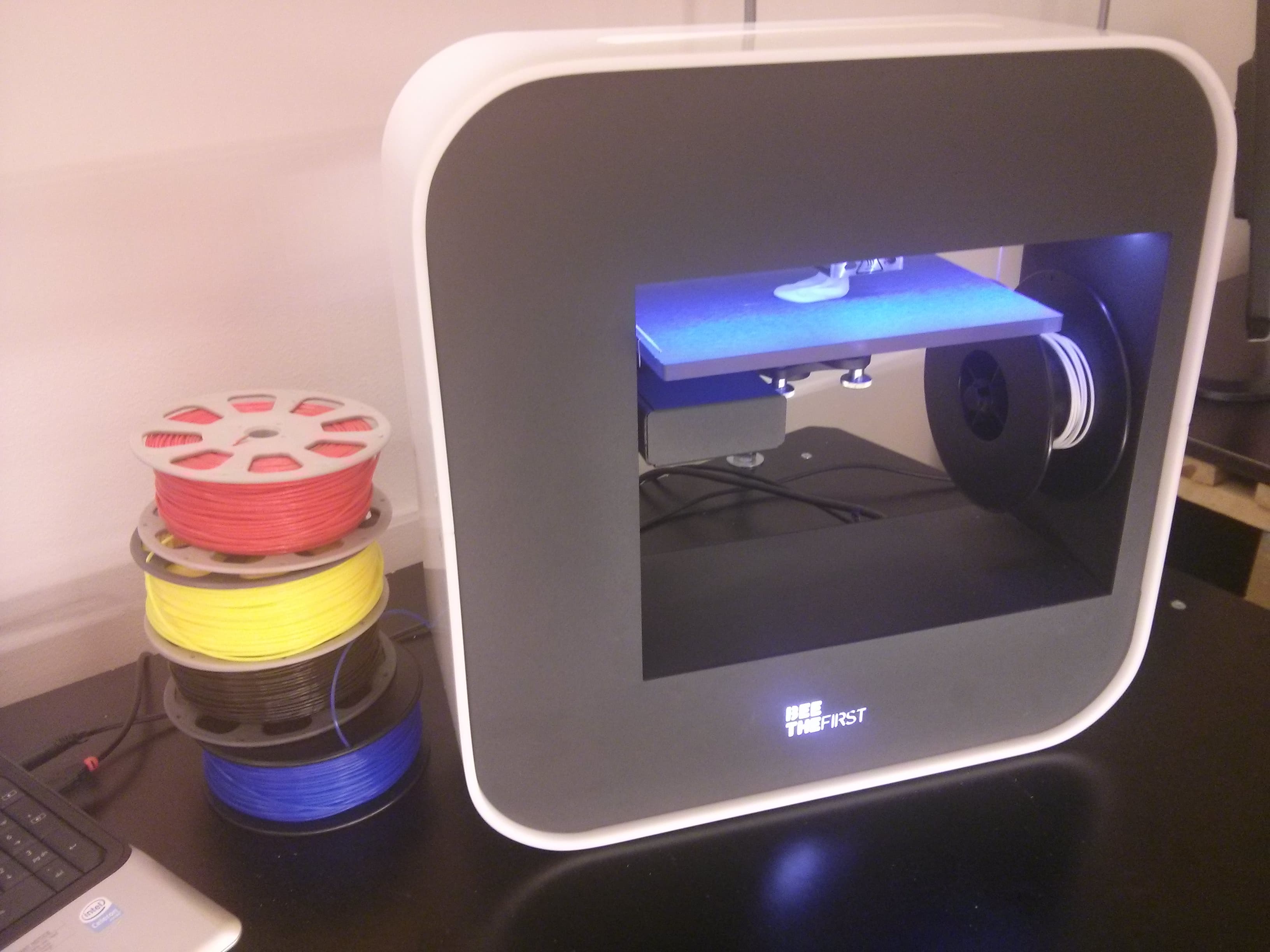
A useful $300 printer purchase starts with the size of your parts and the complete cost of getting started. This guide compares four established options. A printer above the budget belongs on a comparison list, not in an under-$300 recommendation just because it was once on sale.
This is a specification and budget comparison using manufacturer sources, not a hands-on reliability test. Prices shown are indicative US-store base-printer listings in USD, rechecked October 10, 2026 UTC on each manufacturer's US store, before tax, shipping and accessories. Select the US region and the base printer, not a Combo, when checking Bambu prices: Bambu's store can redirect visitors outside the US to a regional store in local currency, and the A1 page can open on the $399 Combo rather than the $299 base printer. Affiliate offers may differ from the manufacturer listings.
Four options, with the budget boundary visible
| Printer / source | US price | Build (mm) | Multicolor | Budget status |
|---|---|---|---|---|
| Bambu A1 mini | $219 | 180 × 180 × 180 | AMS lite add-on / Combo | Under $300 before extras |
| Bambu A1 | $299 | 256 × 256 × 256 | Compatible AMS add-on / Combo | Under $300 before extras |
| Creality Ender-3 V3 KE | Not listed | 220 × 220 × 240 | Single filament as supplied | Not on Creality's US store at this check |
| Elegoo Neptune 4 Plus | $309 sale ($425 list) | 320 × 320 × 385 | Single filament as supplied | Above $300 at this check |
Check the linked store for the selected model, stock and delivered total. Neither a crossed-out list price nor a bundle's starting price proves that your chosen configuration fits the budget.
A1 mini: the lowest-priced option here at $219
The $219 base A1 mini leaves more of a $300 budget for filament and delivery costs than the other listings here. Bambu lists automatic calibration and a 180 mm cube build volume, making it a candidate for compact organizers, accessories and small functional parts. Check your actual models in the slicer before paying for a larger machine. The A1 mini's listed maximum bed temperature is 80°C; Bambu identifies PLA, PETG and TPU among its suitable materials.
AMS lite supports up to four colors, but the accessory or Combo price belongs in a separate budget check. Standard TPU compatibility with the printer does not establish compatibility with the AMS feeder. The practical reason to choose the mini is that its size and supported workflow fit your plans, not an untested promise that it never needs attention.
A1: a larger plate at $299 before extras
The A1 expands the build volume to 256 × 256 × 256 mm and lists a 100°C maximum bed temperature. At the verified $299 base price, it is worth comparing if your intended parts exceed the mini's usable space, but it leaves only $1 of a $300 total for extras. The $399 A1 Combo is above this budget. Bambu's current listing includes AMS lite and other AMS compatibility options; some need an additional hub. Check the exact connection hardware before buying an add-on.
For a used A1, check recall status rather than relying on a seller's purchase year. Bambu published a recall update on February 4, 2024; the US CPSC notice dated June 13, 2024 identifies affected units and the remedy. Confirm the particular unit with Bambu and follow the applicable recall instructions. A later resale date is not proof that a recalled unit was repaired.
Ender-3 V3 KE: no longer on Creality's US store
On September 5 Creality's US store listed the base KE at $259. By October 10 its US product page returned “not found” and the KE was missing from Creality's US Ender listings; we found no official discontinuation notice. If you find one from another seller, check the price, condition and warranty terms before treating it as a sub-$300 option. Its 220 × 220 × 240 mm build volume sits between the two Bambu sizes. Creality's US store did list the Ender-3 V3 SE at $179 on October 10 (sale; $199 list); we have not reviewed it for this comparison. The manufacturer specifies a Sprite direct-drive extruder, automatic leveling and USB or network printing. Its vibration-compensation sensor and camera are listed as optional accessories, so include them only if you need them.
If you find a KE elsewhere, it is a reasonable comparison for single-filament jobs that need more room than the mini. Review the official setup and maintenance guide before buying. Do not assume firmware changes or hardware modifications are warranty-neutral. This guide does not rank its long-term reliability against printers we have not tested side by side.
Neptune 4 Plus: larger, and above this budget
Elegoo's US listing on October 10 was $309, shown as a sale price against $425 with no end date, for the Type-C version; the ribbon-cable version was sold out. The build volume is 320 × 320 × 385 mm. It includes Klipper firmware, a direct extruder and X/Y acceleration sensors. That size may justify a larger budget for a specific project, but $309 before extras does not qualify as an under-$300 pick.
Measure the available workspace and the full motion clearance before choosing it. Elegoo notes that the Type-C version takes over-the-air updates and asks buyers to check that replacement parts match that model. Buy for a demonstrated size requirement; a larger plate alone does not establish better or worse precision than the alternatives.
A short decision process
- Set the delivered budget. If $300 is a hard total, reserve money for filament and tax before comparing printer prices. Keep an AMS purchase separate.
- Check three intended prints. Slice representative small, medium and largest parts. Confirm that supports and brims fit, not just the bare model.
- Match the material. A hot nozzle alone does not make an open-frame printer suitable for every engineering plastic. Read the manufacturer's material guidance and the filament's requirements.
- Compare support and upkeep. Read the assembly instructions, check replacement hotend and plate availability, and understand the local return terms.
- Buy the configuration you priced. Recheck base printer versus Combo, included accessories and stock. A limited sale is not a permanent recommendation.
Leave room for the first prints
The $219 A1 mini plus a hypothetical $20 spool is already $239 before tax and any shipping. That leaves $61 from a $300 total. The $299 A1 plus the same spool is $319, already over it. This is an example budget, not a quoted filament offer. Price only the extras your first jobs need; a dryer, spare plate and multicolor feeder do not all have to be bought on day one.
Use your spool price and slicer grams in the filament cost calculator. For electricity, enter measured average power and your utility rate in the electricity calculator. The power-supply rating is not the printer's average draw for every hour of a print.
Frequently asked questions
Does under $300 include filament, shipping and tax?
The price comparison uses US-dollar base-printer listings before tax, shipping and add-ons. If $300 is your complete budget, leave room for filament and the delivered total. A Combo or accessory bundle is a different purchase from the base printer.
Will a 500 mm/s printer finish the same job faster?
A maximum toolhead or printing speed is not an average speed for a whole model. Acceleration, material flow, cooling, geometry and your quality settings affect completion time. Slice the same model with each printer's appropriate profile and compare total time and material use.
Can these printers print TPU?
The manufacturers list TPU support, but the filament's hardness, dryness and profile still matter. These printers use direct-drive extruders; a moving bed does not make a printer Bowden-fed. Check the exact TPU and feeding-system compatibility, and follow its recommended profile instead of applying one speed limit to every flexible filament.
Should I buy the largest build volume I can afford?
First put a few models you actually want to make into a slicer. Allow space for supports and brims, and check the complete printer footprint and bed travel. A larger plate helps when it avoids splitting a needed part; unused volume does not itself improve print quality.
Will a budget printer become obsolete quickly?
There is no dependable replacement timetable. Check current spare-part availability, manufacturer documentation and firmware support. A newer release does not stop a working printer from producing the models and materials it already handles.