Guide · 6 min read
Is multi-color 3D printing actually worth it? The real math on AMS purge waste
Reviewed September 5, 2026 (UTC) · Methodology and sources
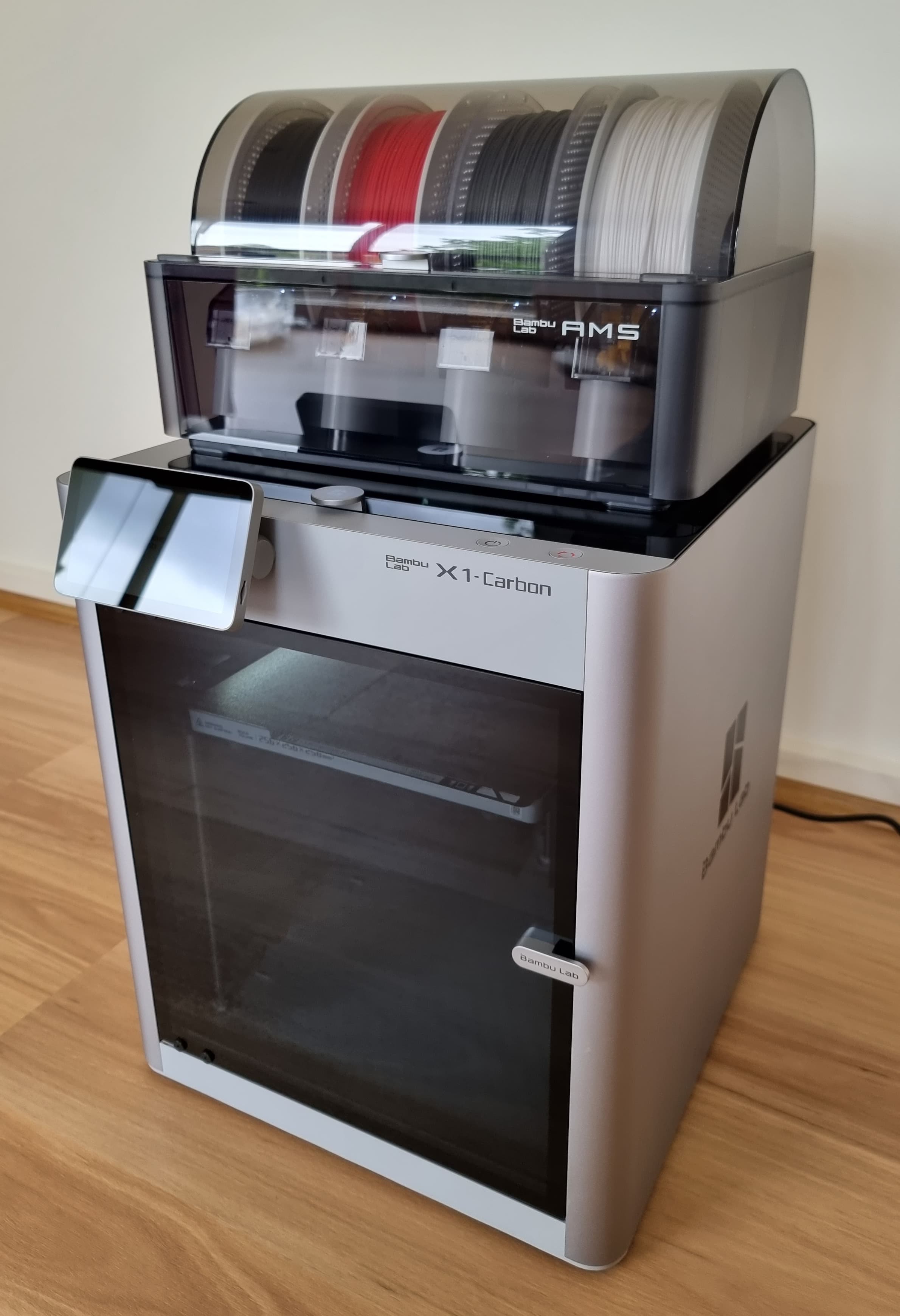
Multi-color printing can save painting and assembly work, but color changes can also use extra filament and machine time. The useful question is how much extra your particular plate costs. Start with the slicer totals, then decide whether the result is worth that difference.
This is a calculation guide based on the manufacturer and slicer documentation linked below. The worked example is illustrative, not a measured printer test. Sources were reviewed September 5, 2026 UTC (September 4 Pacific).
Why a color change uses material
In a shared-nozzle system, some of the old material remains in the hotend when the new filament arrives. Flushing clears that transition. Different color directions need different amounts: a dark pigment can be harder to clear before printing a light color. Prusa's purging-volume explanation shows this with example values in mm³. Those examples are not Bambu defaults.
Flushing and a prime tower are separate entries to check. Some material is discarded, some may go into supports, and supported slicer settings can redirect some into a useful object's infill. Where the material ends up matters when counting waste.
Use the final sliced plate totals
- Slice the exact models, colors and settings you intend to print. Read the material breakdown in the preview or statistics view; labels vary by slicer version.
- Separate useful model material, supports, discarded flushing, tower material, and any additional startup or calibration material you have measured.
- Count each gram once. If a total already includes supports or flushing, do not add that category again. Material flushed into useful infill remains model material; flushing into supports belongs in the support total.
- Enter those amounts in the AMS Purge Waste Calculator. Do not apply another flush multiplier to final sliced grams.
In this calculator, discarded material means supports + discarded flushing + tower + other discarded material. Total consumed is useful model material + discarded material. The waste share is discarded material divided by total consumed; waste overhead is discarded material divided by useful model material. These are different percentages.
If your slicer gives only an aggregate total, do not invent a category breakdown. Use the total for a material-cost comparison, or obtain the detailed breakdown before estimating waste. Slicer figures remain estimates; weighing the finished parts and collected waste can help check them.
Worked example: the same useful part, two versions
These are hypothetical final totals for a 100 g useful part. All material costs $20/kg; no printer model, default purge amount or print speed is assumed.
| Material | Single color | Multi-color |
|---|---|---|
| Useful model | 100 g | 100 g |
| Supports | 5 g | 5 g |
| Discarded flushing | 0 g | 20 g |
| Tower | 0 g | 8 g |
| Other startup waste | 2 g | 2 g |
| Total consumed | 107 g | 135 g |
| Material cost | $2.14 | $2.70 |
The extra material costs $0.56: (135 − 107) ÷ 1,000 × $20. The multi-color version discards 35 g, which is 25.9% of its total consumption and 35% overhead relative to the useful part. Neither percentage alone tells you whether saving the painting work is worth $0.56 plus the extra print time.
If the colors have different prices, calculate each spool's consumed grams × its price per gram and add the costs. A single-price calculator needs an average weighted by the amount consumed from each spool. For a selling price, add machine time, labor and failures in the print pricing calculator.
Estimate from swaps only when you lack sliced totals
A rough estimate needs your own average purge amount from a comparable profile and transition mix. For a volume input, grams = swaps × average mm³ per swap × density in g/cm³ ÷ 1,000. Add tower, supports and other discarded material separately. An average hides differences between transitions, so replace it with a fresh slice before committing to a long job.
Bambu Studio's flushing-volume interface uses mm³ and applies a multiplier to the displayed matrix values. If your baseline already includes that adjustment, use a multiplier of 1 in a separate estimate. There is no fixed 8 g-per-change default used in this guide.
Reduce waste by comparing two slices
- Change orientation or split the model. Color bands at a few heights, or separate colored pieces assembled afterward, may need fewer transitions. Check fit, strength and assembly effort too.
- Batch copies you actually need. With layer-by-layer printing, identical copies can share color changes within a layer. Compare waste per useful copy in the slicer; arranging a plate differently can change the result.
- Use a tested transition matrix. Adjust one color pair at a time and check for contamination. A lower flushing value that spoils the print does not save material.
- Use infill or support flushing where suitable. Mixed colors can show through light or translucent walls. OrcaSlicer's flush-options documentation also specifies a prime-tower requirement for these options. Follow your own slicer's guidance.
Record the before-and-after consumed grams, total time and acceptable finished results. A claimed universal 30–50% saving, or a fixed 50% waste cutoff, cannot replace that comparison. Include the actual compatible AMS hardware and accessories in the purchase budget; storage and collection accessories serve different purposes from reducing purge.
Frequently asked
- How many grams does AMS waste per color change?
- There is no single manufacturer-wide grams-per-change value. Transition colors, material, printer profile and slicer settings affect flushing. Use the sliced plate's final filament breakdown. A flushing-volume matrix is measured in cubic millimeters, not grams; converting it requires material density and the actual number of each transition.
- Does a high waste percentage mean a print is not worth making?
- No universal percentage decides that. Compare the extra material and machine time with the value of the finished print and the effort of painting or assembling separate pieces. A small print can have a high waste share but a low extra dollar cost. For selling, include labor, failures and fees as well.
- Will a purge bucket reduce the filament used?
- A bucket collects discarded filament; it does not change the slicer's flushing requirement. A prime tower has a different job, helping prepare extrusion after a change. Follow the printer and slicer guidance instead of removing the tower just because a bucket is installed.
- Should I apply the flush multiplier to the final slicer grams?
- No. Final sliced amounts already reflect the settings used to produce them. Enter those grams once. A multiplier belongs only in a rough estimate whose source baseline has not already had that multiplier applied.
- How much extra time does multi-color printing take?
- Slice the same plate in single-color and multi-color and compare the total times. Loading, unloading, flushing, wiping, the tower and printer-specific routines all contribute. A fixed seconds-per-change rule cannot reliably predict every printer and profile.
- Are separate toolheads or manual color changes waste-free?
- Separate nozzles can reduce the need to flush one material out of a shared nozzle, but priming, wiping and startup material may remain. Manual color changes can work for color bands at selected heights, but still need a clean transition and your attention. Compare the actual sliced jobs rather than assuming zero waste.