Guide · 8 min read
Slicer settings that secretly waste filament (fix these first)
Updated May 2026 · Methodology and sources
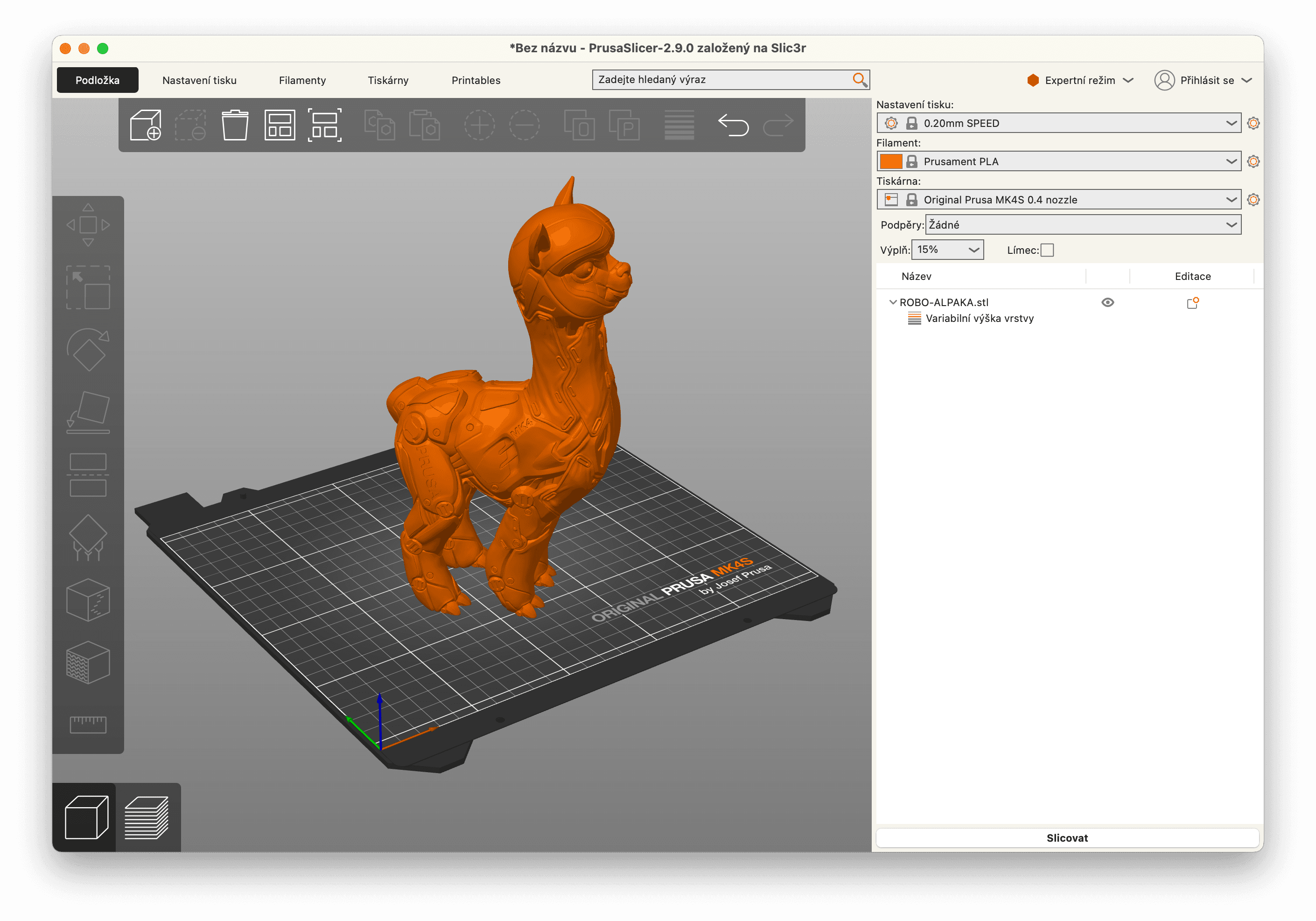
Slicer defaults are not optimized for filament economy. They are tuned to produce reliably good prints for the average user with the average part. That conservative tuning quietly inflates how much filament every print uses, sometimes by 30 percent or more, and most cost calculators ignore the inflation entirely.
Below are the seven slicer settings with the biggest filament impact, ordered by how much you can save per print. Numbers assume Bambu Studio defaults; PrusaSlicer and OrcaSlicer equivalents are noted where they differ meaningfully.
1. Flush volumes (multi-color only)
On Bambu AMS prints, the Flushing volumes matrix uses cubic millimeters for each ordered filament pair. Grams depend on density and the transitions in your plate. There is no universal 8-gram-per-swap default.
Compare the slicer's discarded-material totals before and after a change. For example, reducing discarded flushing from 20 g to 12 g would save 8 g, or about $0.18 at an assumed $22/kg. This is an arithmetic example, not a recommended setting or guaranteed saving.
Reducing flushing can leave color or incompatible material behind. The direction matters: a dark-to-light transition can need more flushing than the reverse. Test the actual combination and inspect the sliced preview. The AMS Purge Waste Calculator shows the dollar impact for any combination.
2. Brim width and skirt count
Default brim is 8mm wide on most slicer profiles. For a typical 200mm-perimeter part, that's ~5 grams of brim material on PLA. Most prints adhere fine with 4mm brim or even just a thin skirt for nozzle priming.
When to keep wide brim: ABS, ASA, large flat PETG parts. When to drop it: PLA on a clean PEI bed, anything with substantial bed contact area, parts you reprint frequently with known good adhesion.
A skirt is not a brim. Skirts don't touch the part and serve to prime the nozzle. Default skirt is 2 lines, which uses maybe 1 gram. Reducing to 1 line saves half a gram, not worth worrying about. The brim is where the savings are.
3. Infill density
Slicer default infill is 15-20% in most profiles. For display parts, 10% is plenty. For mechanical parts that need to bear load, 30-40% is justified. The math is roughly linear: doubling infill density doubles infill material weight.
A 100-gram print at 20% infill uses about 35 grams in the infill. At 10% infill that drops to 18 grams, saving 17 grams per print, or about $0.37 on PLA. Over a year of printing, that adds up if you default everything to 20%.
Per-part rule: if it sits on a shelf, 10%. If it gets handled, 15-20%. If it bears weight or shock, 30-40%. If you really need strength, you probably also need to switch to PETG or PA.
4. Support style and overhang threshold
Tree supports use roughly 30-50% less filament than grid supports for the same overhang coverage. Tree takes longer to print but uses less material. For most decorative parts, switch to tree.
Support overhang threshold defaults to 30 degrees in most slicers. Most modern printers can handle 45 to 50 degrees with good cooling. Raising the threshold from 30 to 45 degrees can eliminate supports entirely on parts that don't actually need them.
Easiest win: rotate the part on the build plate to put overhangs at 45+ degrees instead of horizontal. Sometimes a 90 degree rotation eliminates all supports.
5. Wall count and top/bottom layers
Default is 2 walls and 4 top/bottom layers in most profiles. For most parts, that's correct. The setting becomes a waste source when slicer defaults give you 3 walls on small parts that don't need them.
For thin-walled decorative parts (vases, lampshades), consider spiral vase mode (1 wall, no infill, no top layer). The print uses dramatically less material.
6. Layer height (affects time more than material)
Layer height has a modest impact on filament use. Going from 0.20mm to 0.16mm uses about 5% more material due to the way extrusion volume calculations round. The bigger impact is time: 0.16mm layers take roughly 25% longer than 0.20mm.
For most prints where surface finish doesn't matter, 0.24mm or 0.28mm layers print 30-40% faster with negligible quality loss. For miniatures and detailed display pieces, 0.12-0.16mm is justified.
7. Retraction (waste from stringing, not retraction itself)
Retraction itself uses no extra material; it pulls filament back from the nozzle. The waste comes from stringing when retraction is dialed wrong. Stringing adds maybe 1-3% material per print on average, more if your filament is wet (which is a separate problem).
Print a temperature tower and retraction tower once per filament you use regularly. Bambu Studio and OrcaSlicer have built-in calibration prints. The savings are small but the quality improvement is significant.
Combined impact: a real example
Take a 200-gram phone case in PETG, default Bambu profile. Defaults: 20% infill, 8mm brim, 2 walls, 4 top/bottom layers, tree supports off. Slicer estimate: 248 grams including support and brim.
With tuned settings: 12% infill, 4mm brim, tree supports on with 45 degree threshold, retraction tuned. Slicer estimate: 198 grams.
Saved: 50 grams per print. At PETG $26/kg, that's $1.30 saved per copy. Print 30 copies and you've saved $39, or enough to buy another spool. The Filament Cost Calculator can model the exact impact for your specific part.
What NOT to optimize for waste
- Print speed (affects time, not material)
- Cooling fan settings (affects quality, not material)
- Bed temperature (only matters if it causes adhesion failures)
- Acceleration and jerk (affects time and quality, not material)
Frequently asked
- What's the single setting most people get wrong?
- Brim width. Default brim is often 8mm wide, which is more material than the part needs for adhesion on most prints. Drop it to 4mm or 5mm and you save 30-50% of the brim filament. On parts that warp anyway you can go to zero brim with a glue stick instead.
- Does infill pattern really matter for waste?
- Yes, but less than density. Going from 20% to 40% infill roughly doubles the infill material, regardless of pattern. Pattern affects strength and print time more than waste. Gyroid is a good middle ground for both.
- What's the deal with 'purge volumes' on Bambu?
- Bambu Studio has a Flushing volumes matrix that sets how much filament gets purged on each color transition. The default 1.0x multiplier is conservative. Tuned users go to 0.5-0.7x for compatible color pairs. Saves a lot of filament on multi-color prints. The AMS Purge Waste Calculator on this site lets you model the impact.
- How does retraction affect filament use?
- Marginally. Bad retraction causes stringing, which adds maybe 1-3% extra material per print. Worth fixing for surface quality more than for waste. Calibrate by printing the temperature tower and retraction tower test prints once for each filament you commonly use.
- Should I always disable supports if possible?
- If your model can be reoriented to avoid them, yes. Supports can add 20-50% to material use on overhangs-heavy prints. Tree supports usually use less than grid supports for the same surface coverage, but take longer to print.